How to Shuffle the Deck
You can shuffle the deck by choosing Shuffle off the main menu or by using the keyboard shortcut Control+S.
The normal shuffle takes only a few seconds, but you can also set the program to shuffle continuously until you tell it to stop by clicking the deck. The program offers you this choice by showing the following form the first time you shuffle:
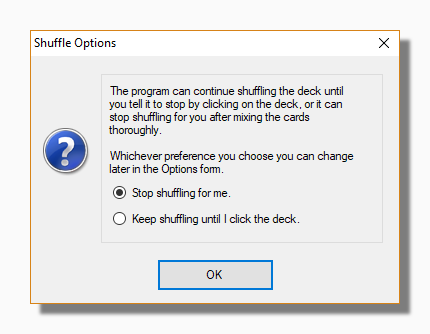
You can change your preference at any time on the Cards tab of the Options form by checking or unchecking Use timed shuffle.
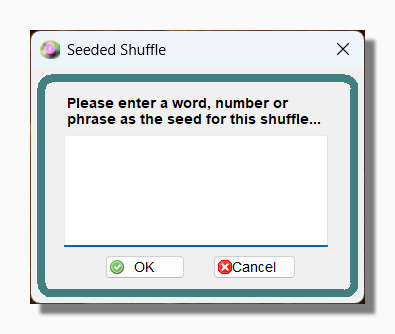
If you select Shuffle from the main menu you will also see an option called Seeded Shuffle. This allows you to enter a word or phrase as the "seed" for the shuffle. The "seed" only contributes to, and does not completely determine, the result of the shuffle. This means you can use the same seed on different occasions and it will produce different results.
Read more about shuffling including the methods of randomization used in the program.